

Category: Tips and Tools

From Simple Squares to Sweaters: How One Teacher Uses Crochet to Build Confidence
When Erica Gorzen’s students pick up a crochet hook, they choose their own path. Some make simple squares. Others create sweaters and stuffed toys. As the 2026-2027 Regional Teacher of the Year, this Portland High School art teacher shares how choice-based lessons help her students build confidence, independence, and a love of learning that lasts well beyond the classroom.
Build Trust, Boost Autonomy, & Design Smarter Check-Ins With Students
 Anne Perez
Strong student relationships don't happen by chance. They happen by design. Discover how structured check-ins can build trust, strengthen student autonomy, and help you create more student-centered learning experiences. Plus, access a free template or earn a SCECH while creating a check-in routine for your classroom.
Revisiting the 5:1 Ratio: Reflecting on a "Magic" Ratio Just Too Tidy to be True
 Danielle Peck
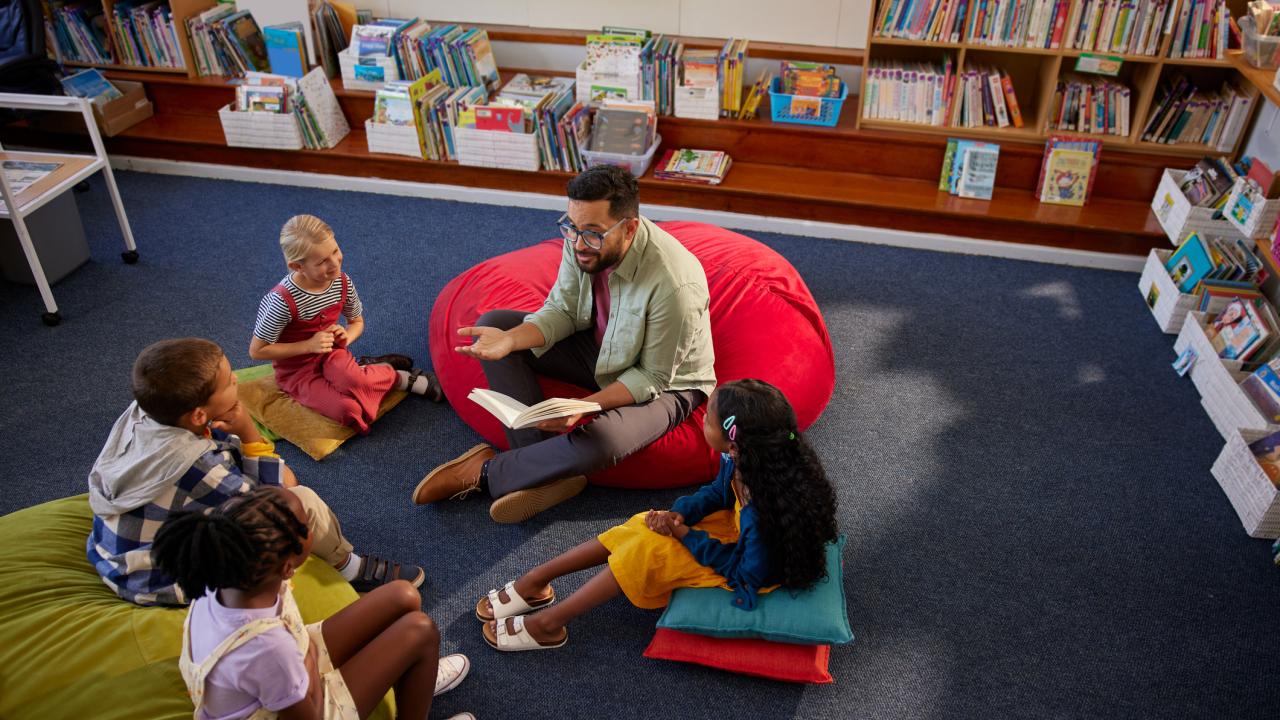
A popular idea in education holds that teachers should aim for five positive interactions for every one corrective one. It spread quickly, cited widely, and seemed to just make sense. There was only one problem: the research behind it was never really about teaching at all.
The Power of the 5:1 Ratio: How Fostering Positive Interactions Can Transform Student Learning
Danielle Peck
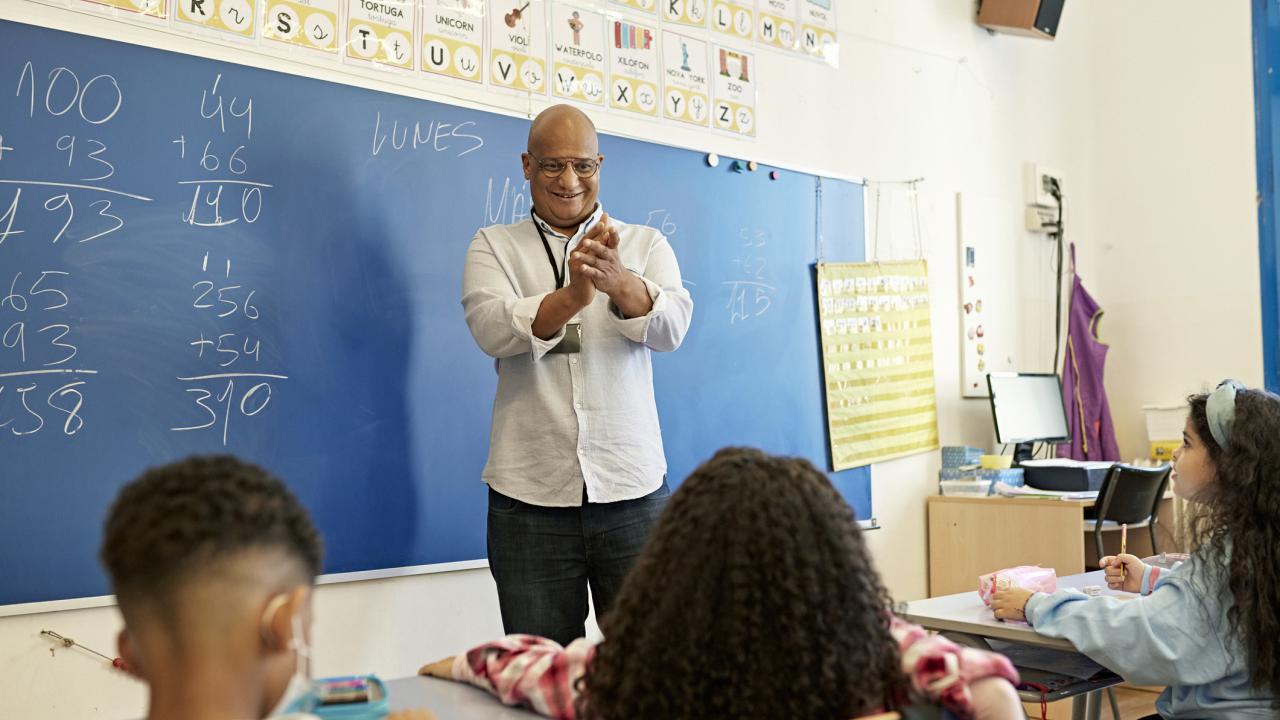
The 5:1 ratio has completely changed my thinking about interactions in the classroom. It all started with a question about grading. After all, part of our jobs as teachers is to provide corrective feedback to help students grow. The 5:1 ratio helps to ensure that students can receive this feedback effectively. More importantly, however, it can help us be intentional about creating a classroom environment that centers our humanity.

Time for Teachers: Self-Assessment with Community Support as Individual Solutions
 Ed Timke
Educators often cite a lack of time as one of their most significant stressors. How can we help teachers find the balance necessary to feel satisfied in their jobs and meet their social and emotional needs? This third post in the Time for Teachers blog series will discuss the importance of a self-assessment in addressing individual problems and solutions teachers face. This is not to say the onus of addressing challenges should fall squarely on the shoulders of individual teachers. Teachers need a community of practice and support to help them identify problems they might face individually that could benefit from solutions that come from consulting with colleagues.

Time for Teachers: Agile Meetings and Short Pulse Surveys as Systemic Solutions
Ed Timke
Educators often cite a lack of time as one of their most significant stressors. How can we help teachers find the balance necessary to feel satisfied in their jobs and meet their social and emotional needs? This second post in the Time for Teachers blog series will discuss two possible solutions that can help all educators save time while addressing needs to serve students and communities: agile meetings and short pulse surveys.

Tips and Tricks for Communicating with Parents and Students
 Michigan Virtual Learning Research Institute
During this time of remote learning, what are some best practices in the ways you communicate with your students and their parents? In this webinar, we’ll explore examples and tips for communication, specific tools and resources to aid this process, and lessons learned from applying these practices.

You Can Do This! Transitioning to Remote Teaching & Learning
Michigan Virtual Learning Research Institute
Are you feeling overwhelmed about transitioning your classroom into a remote learning environment? In this webinar, we share simple strategies for getting started, communicating with students and parents, finding and delivering content, building relationships, and designing assessments. You can do this!
LMS Selection and Implementation: Best Practices
Michigan Virtual Learning Research Institute
What factors should schools and districts consider when selecting a learning management system (LMS)? What are the key processes that you should follow? What challenges and opportunities exist within the process? Where should you start?

Using Autocrat to showcase student work
 Stacey Schuh
As a teacher, it's great to showcase student work, but it can be time-consuming to compile and share these accolades with parents. In this article, we walk through how teachers can use the Google add-on Autocrat to showcase student work in an efficient way.

Using image annotation tools to bring assignments to life
Stacey Schuh
Looking for ways to make your classroom resources more interactive? In this article, we share two free image annotation tools that teachers can use to bring assignments to life in their classroom.

Using Google Forms to innovate your assessment practices
Stacey Schuh
Google Forms is not a new tool. It’s been around for quite some time; however, a number of recent updates have made this tool one you will want to use in your classroom. In this article, we will walk you through some innovative ways to use Google Form for student surveys, quizzes, and assessments.

Using Genius Hour to help students cultivate their passions and transform their world
 Katie Tasch Bielecki
The most powerful thing we can do as educators is to invite our students to explore. Service-learning and project-based learning are two ways to allow students to explore and get involved in their communities. These two experiences continue to be woven into Katie Bielecki’s teaching and have spurred on the implementation of Genius Hour in her classroom.

Using Roadmaps to create deeply digital lessons for students
 Denise Gallemore
Roadmaps is an open educational resource that allows teachers to create interactive, graphical, collaborative, and adaptive deeply digital lessons that are easy to use. This tool promotes collaboration between students and teachers which is why Denise Gallemore regularly uses it in her 5th-grade social studies and ELA classroom.

Using computer science and computational thinking in the kindergarten classroom
 Taylor White
Kindergartners have the ability to do a lot more than we often expect from them. Taylor White’s use of computer science and computational thinking lessons opened her eyes to what kindergartners have the capacity to do at a young age. While she witnessed them break down problems with machines and codes, she began to see it bleed into how the students broke down problems with their peers.




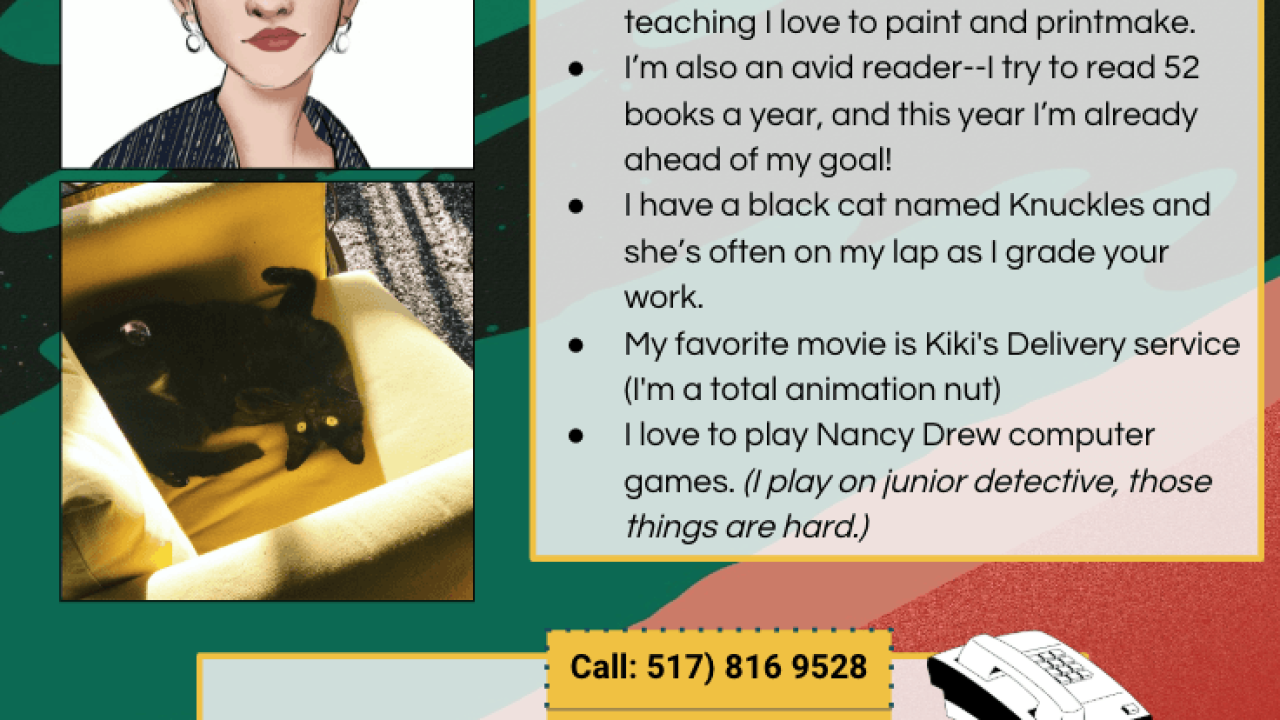
Using Google Slides to showcase student art and create an inviting online classroom
 Lauren Nalepa
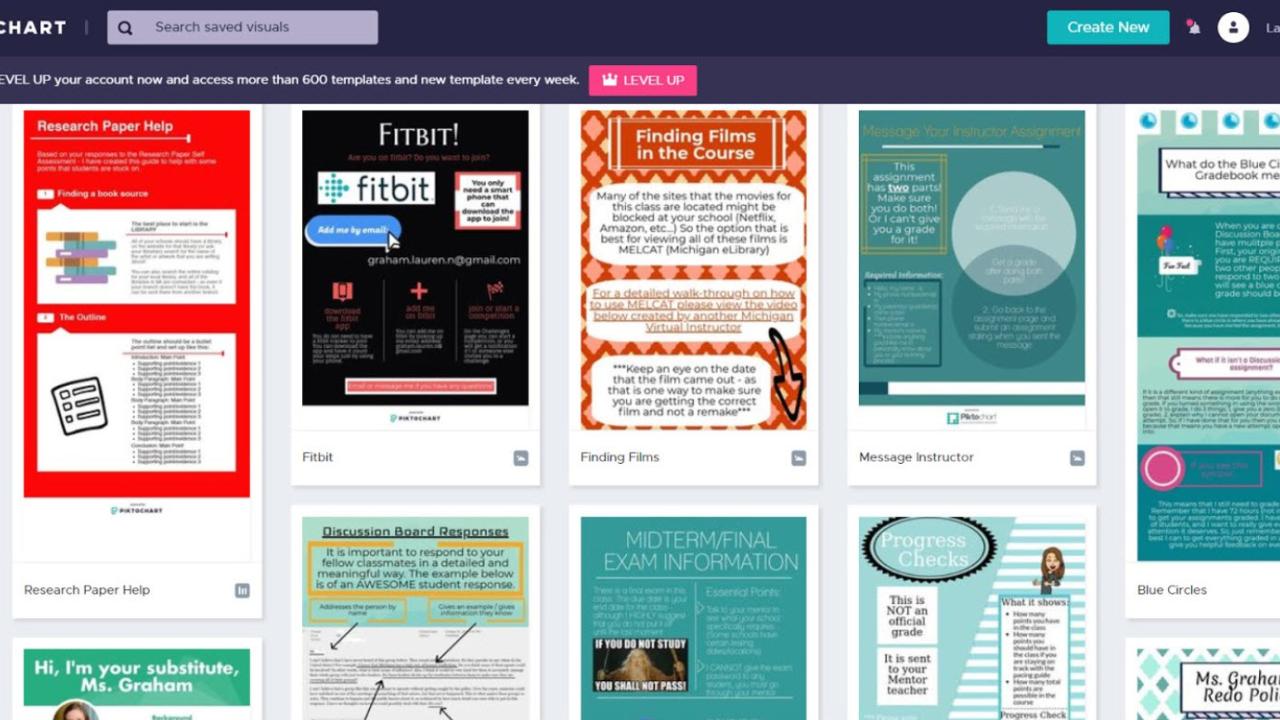
As an online teacher, Google Slides been the answer to all my hopes and dreams. Using it is like making a collage, but my fingers don’t get sticky! Pretty much everything I post in my online courses is created in Slides. One of my favorite ways to use Slides is for a Class Gallery, a place where students can showcase their artwork.
Subscribe to our blog!
Categories
- Accessibility (3)
- Artificial Intelligence (27)
- Blended Learning (42)
- Bright (45)
- EdTech (6)
- Esports (1)
- Homeschool (11)
- Instructional Design (12)
- Leadership (41)
- Mentoring (9)
- Online Learning (63)
- Online Teaching (9)
- Podcasts (103)
- Professional Development (16)
- Research (253)
- Restorative Practices (3)
- School Leader Insights (22)
- Social Emotional Learning (27)
- Student-Centered Learning (22)
- Summer Learning (6)
- Teacher Recruitment & Retention (4)
- Teacher Spotlight (1)
- Teaching (23)
- Tips and Tools (27)
- Uncategorized (0)
- Web 3.0 (3)