

Category: Tips and Tools
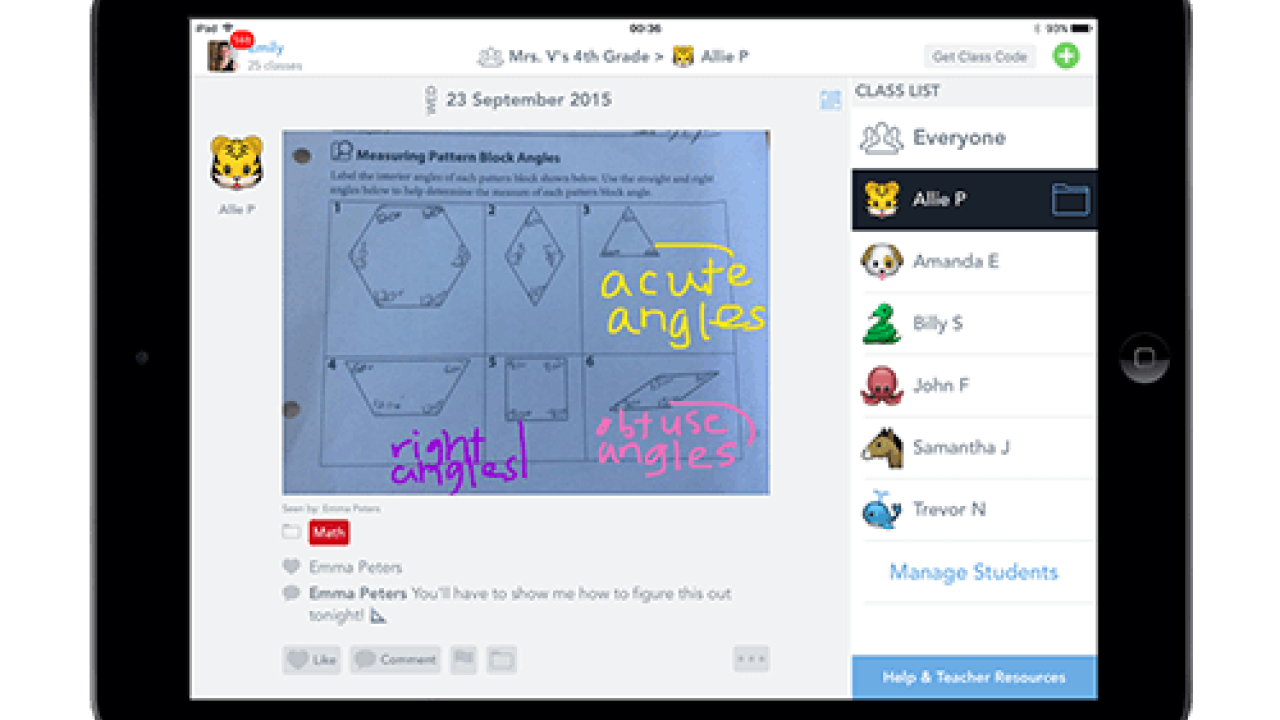
Using SeeSaw to help students set, achieve, and reflect on their goals
Young students often have a hard time thinking about actions, consequences, and, generally, anything that takes place in the future, so setting goals is not an easy task for them. In this article, Erin walks you through how to use the iPad App, SeeSaw, to help students set and achieve goals.
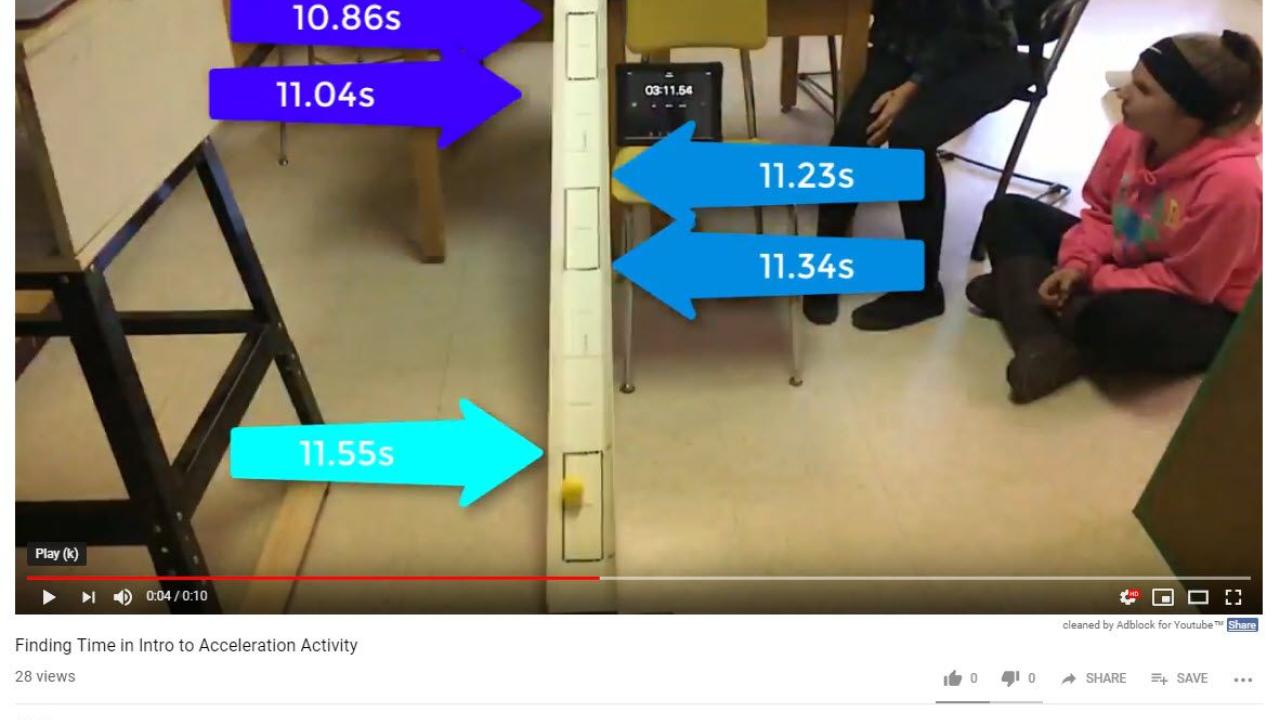
Using videos to spend more meaningful time with students
It’s my dream is to have a classroom that feels like a Starbucks with students spread all over the room, engaging in a variety of activities, working in a group on a lab, or working solo on an assignment.But how do you make this type of independent learning a reality? For me, the answer was the camera on my phone. I know, nothing fancy, no bells or whistles, just my camera. Thanks to the work shared by Ben Rimes, the power of the camera allows me to be in multiple places at once.
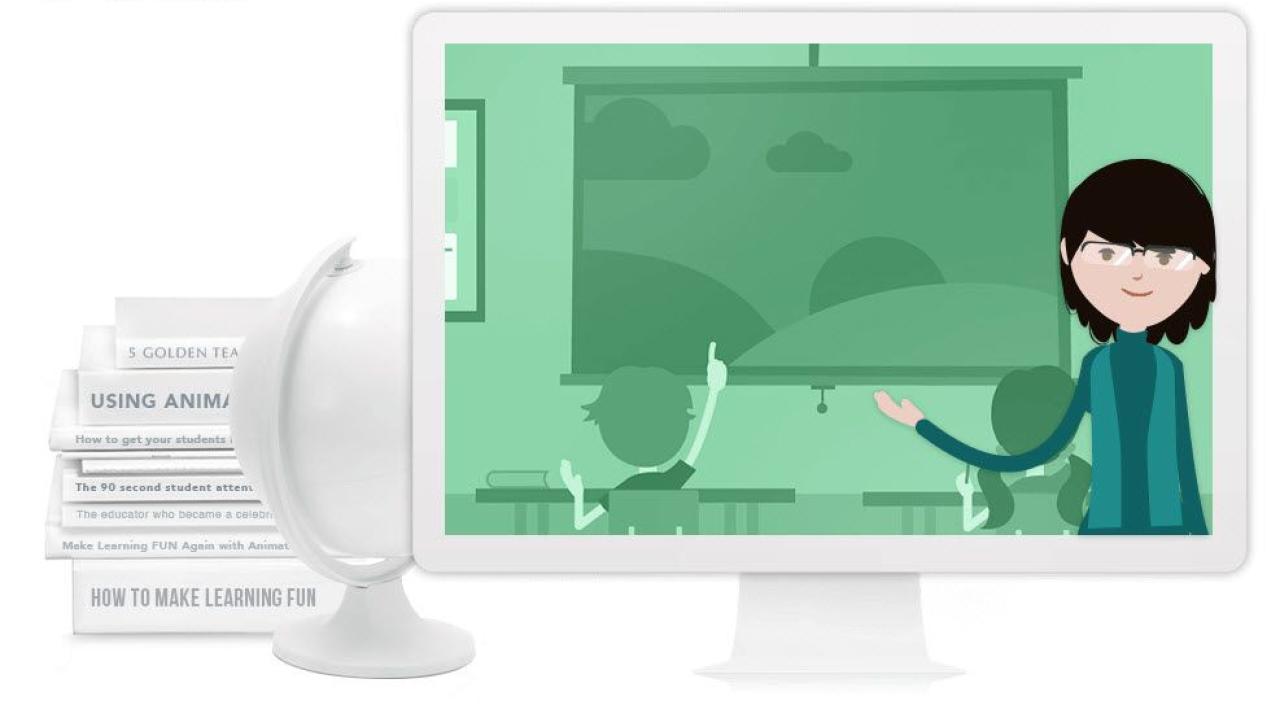
Using PowToon to explain challenging concepts to students
 Jaclyn Tyler
One of my challenges as an online teacher is this: I teach in an asynchronous program, so my students are not necessarily online at the same time as I am. One tech tool that has helped me to bridge this divide is PowToon, the video-making software that allows teachers to create engaging, animated clips to help explain challenging content to students.

Using Calendly for scheduling student meetings
 Kim Garvison & Alanna Prieditis
One of the biggest challenges as online Spanish teachers? Regularly scheduling time to connect with each student in our course to listen to and assess their language development. We needed to find a tool that would eliminate the need for several back-and-forth communications to simply set up an appointment for each short assessment. We not only wanted a tool to help share available time slots for appointments, but also one that would sync with our calendar. That’s when we discovered Calendly.
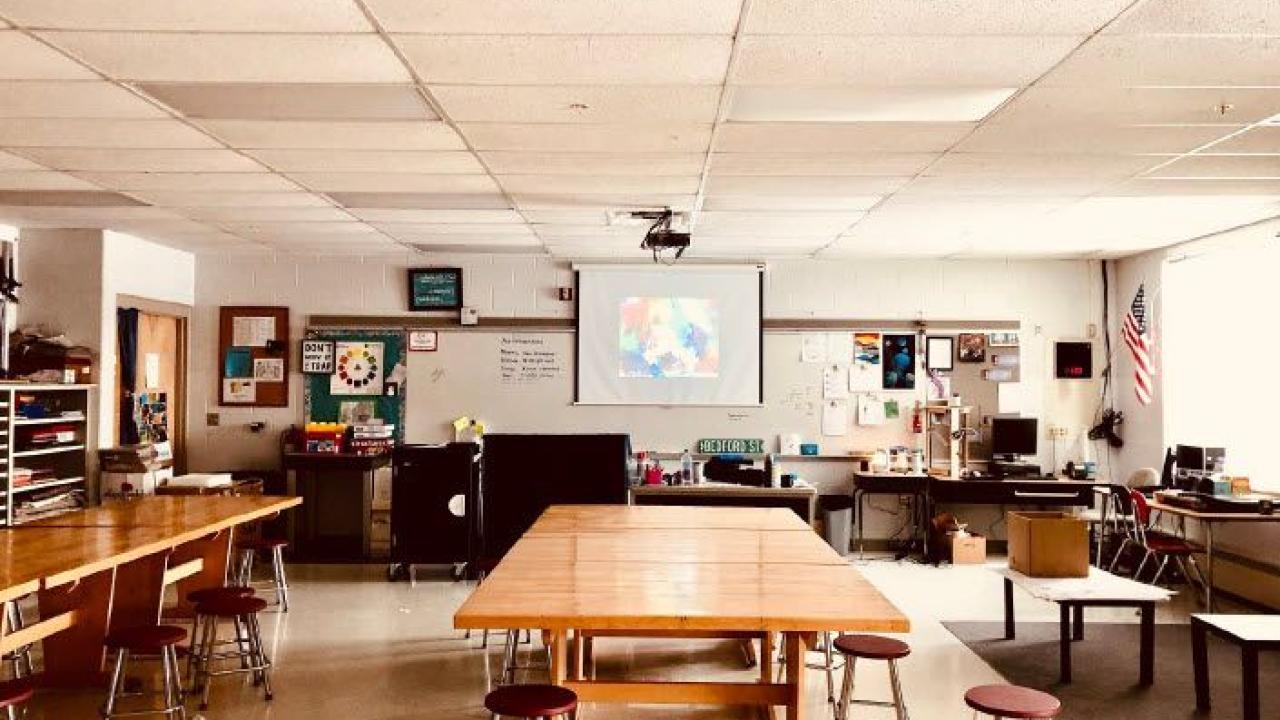
Using choice boards to promote student agency
 Sarah Bedford
Choice boards have helped improve student learning in my class by empowering students to develop confidence based on their individual needs and choices. I also believe when they are engaged in the learning and know the expected outcomes, they are more reflective and able to self-assess their own learning.
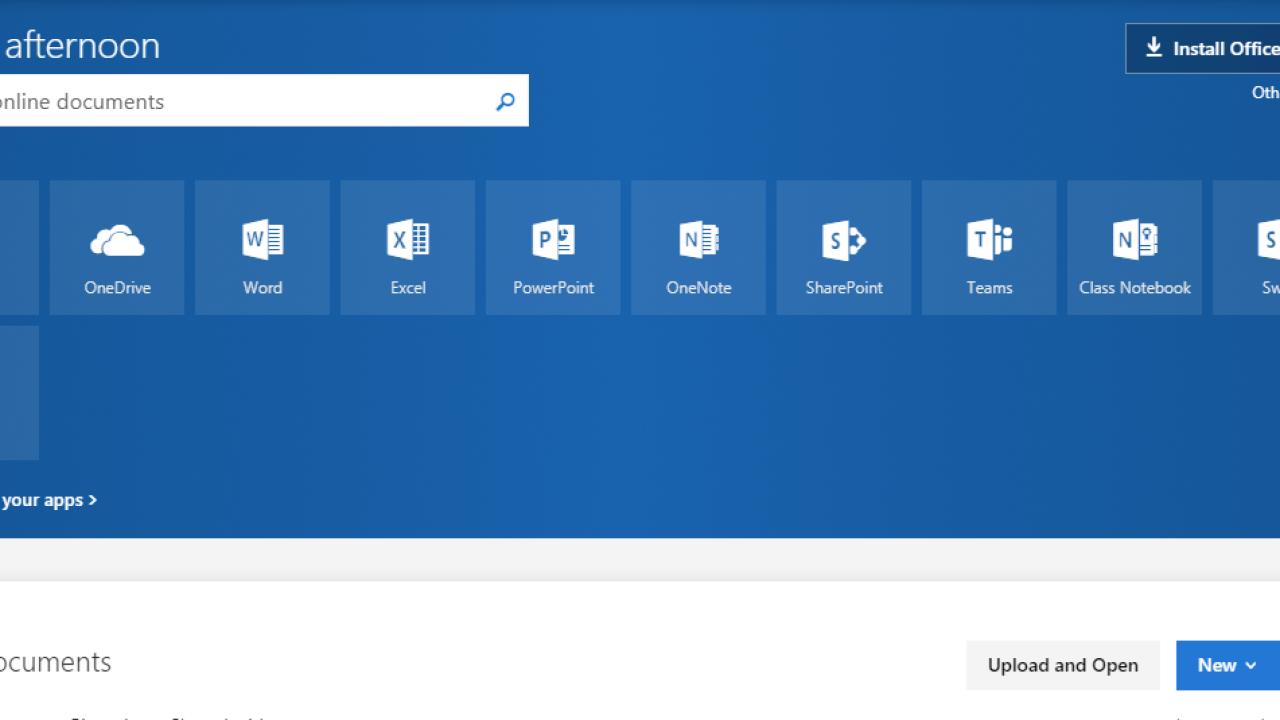
Free Microsoft services that are great for classroom use
 Jeff Gerlach
Designing the physical classroom to accommodate modern learning

Rediscovering Microsoft: Three powerful tools for teachers
 Roman Stotland
Expand your presentations and supercharge your screen captures with these tools.
Subscribe to our blog!
Categories
- Accessibility (3)
- Artificial Intelligence (27)
- Blended Learning (42)
- Bright (45)
- EdTech (6)
- Esports (1)
- Homeschool (11)
- Instructional Design (12)
- Leadership (41)
- Mentoring (9)
- Online Learning (63)
- Online Teaching (9)
- Podcasts (103)
- Professional Development (16)
- Research (253)
- Restorative Practices (3)
- School Leader Insights (22)
- Social Emotional Learning (27)
- Student-Centered Learning (22)
- Summer Learning (6)
- Teacher Recruitment & Retention (4)
- Teacher Spotlight (1)
- Teaching (23)
- Tips and Tools (27)
- Uncategorized (0)
- Web 3.0 (3)